If you are brand new to editing but still want to create clean, engaging, and professional-looking content, you are not alone. Many people want to start creating videos, but the process often feels overwhelming. You feel like you need to be a writer, producer, director, editor, and social media manager all at the same time. That pressure alone stops many beginners before they even start.
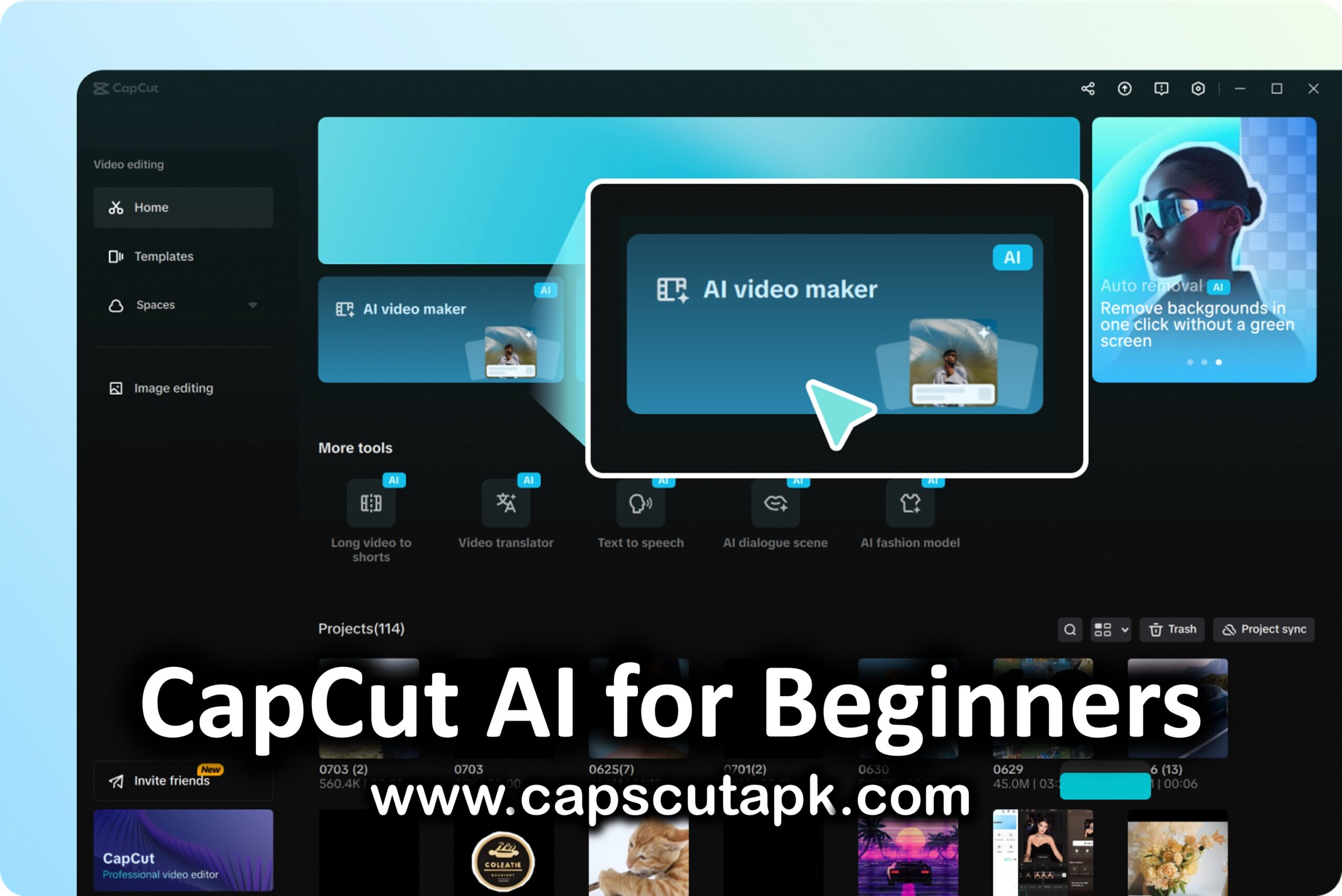
Here is the good news. You no longer need editing experience to create high-quality, scroll-stopping content. You do not even need to film videos if you do not want to. With the AI tools inside the CapCut app, beginners can now create polished content in minutes. These tools remove the technical barriers and make content creation feel simple and fun.
Let’s walk through how CapCut helps total beginners win the content creation game.
Why Content Creation No Longer Has a High Barrier
In the past, video editing required expensive software, strong technical skills, and a lot of time. Today, AI does most of the heavy lifting for you. CapCut brings powerful AI tools directly into its mobile app, making content creation accessible to anyone.
Whether you feel comfortable filming but hate editing, or you do not want to appear on camera at all, CapCut has tools designed for you. You can start creating right away, even if you have zero editing knowledge.
AutoCut: Perfect for Beginners Who Film but Don’t Edit
If you are okay with filming videos but have no idea how to edit them, AutoCut is the tool you should try first.
Inside the Tools section on CapCut’s homepage, you will find AutoCut. The process is simple. You select your raw clips, and CapCut takes care of the editing for you. These clips can be anything travel footage, daily vlogs, outfit videos, or random moments from your camera roll.
There is also an optional prompt where you can describe the type of video you want to create. For example, you can tell CapCut that you are making a travel video or a lifestyle clip. This helps the AI understand your goal better.
Once you tap the next button, CapCut generates multiple finished videos for you. These are not basic edits. They come with trending templates, transitions, and music that perform well on social media. Using trending sounds can help your video get more reach after posting.
You can keep everything as it is or replace the music if you want. When you are happy, simply export the video. No timeline editing. No technical steps. Just results.
AI Storymaker: Create Videos Without Filming Anything
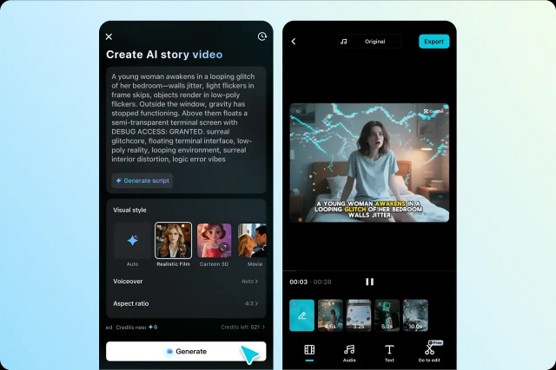
Not everyone wants to be on camera, and that is completely fine. CapCut makes faceless content easier than ever with its AI Storymaker tool.
You can find AI Storymaker in the Tools section. This feature works beautifully for educational videos, storytelling, explainer content, and even storyboarding ideas.
All you need is a script. You paste it into the tool, choose a visual style, select a voiceover, and CapCut creates a full video for you.
If you do not have a script ready, CapCut’s AI Writer can help. You simply type in your topic and a few key points. The AI generates scripts you can choose from. This is perfect for beginners who struggle with writing.
Once your script is ready, you can explore different visual styles. You can choose something playful like claymation, or go for a realistic cinematic look. CapCut offers a wide range of styles to match your story.
Voiceovers are just as flexible. If you are telling a spooky story, you might pick a deep or dramatic voice. If your content is light and fun, there are cheerful and animated voice options too. After the video is generated, you can make small edits or move it into the main editor for fine-tuning.
This tool allows you to create complete videos without filming or editing anything yourself.
AI Avatars: Let Someone Else Be the Face of Your Content
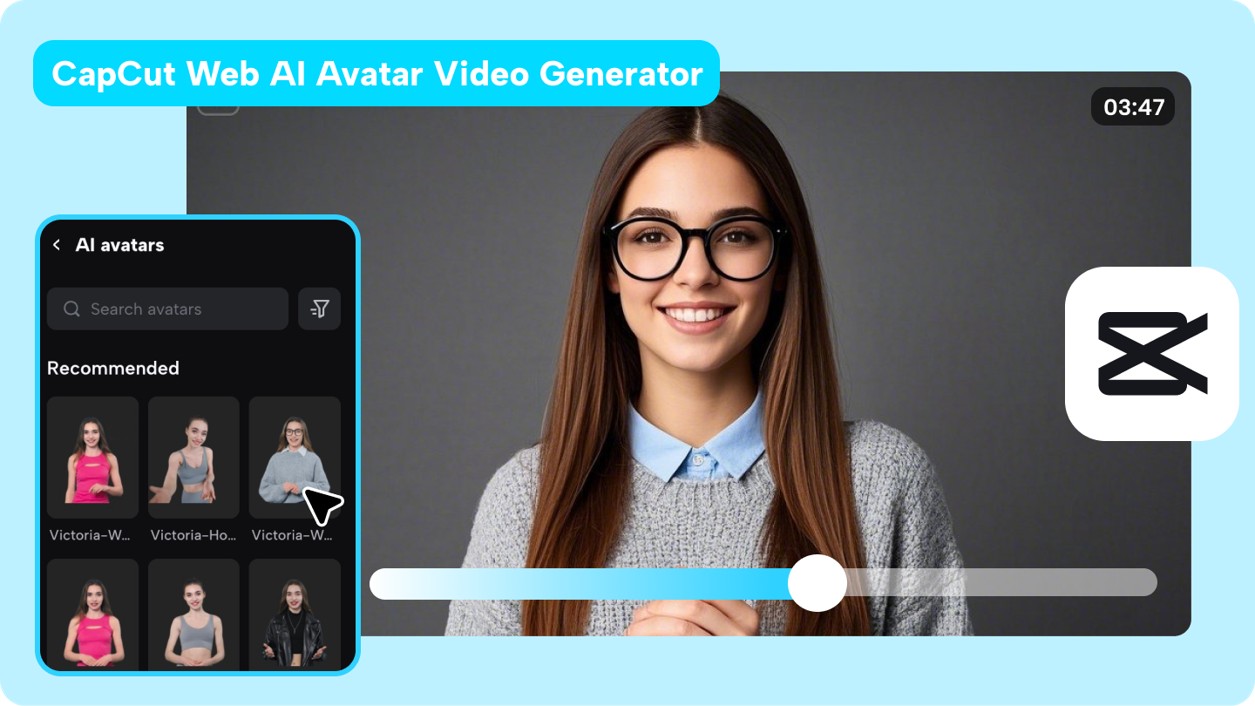
Another powerful option for faceless content is CapCut’s AI Avatars.
Inside your project, you can open the AI Avatars menu and choose from a variety of virtual creators. These avatars can act as the face of your video while delivering your message.
There are avatars suited for serious topics, long-form content, fitness videos, podcasts, and more. Some avatars appear behind a microphone, while others look animated or playful. You can even choose a cute cat or cartoon-style character.
If none of the available avatars feel right, you can create your own. CapCut allows you to generate a custom avatar using a short video, a photo, or even a text prompt. This gives creators more control over their content identity without appearing on camera themselves.
Custom AI Voices: Sound Like You Without Recording Equipment
One of the most impressive features in CapCut is custom voices.
Inside the Audio menu, you can create your own AI voice by reading a few sentences. That is it. CapCut learns your voice and turns it into an AI voice model.
This is perfect for creators who want to use their own voice but do not have a quiet space or professional microphone. Once created, you can use this voice inside the text-to-audio tool, and it will sound just like you.
This feature saves time and removes the stress of recording voiceovers again and again.
Stop Making Excuses and Start Creating
At this point, it is hard to say that content creation is too difficult or technical. CapCut’s AI tools remove the fear and make the process beginner-friendly.
You do not need editing skills. You do not need expensive gear. You do not need to show your face. All you need is an idea and the willingness to start.
Everyone has a unique voice and story to share. Do not let lack of experience stop you from creating content that could inspire, educate, or entertain others.
Join the Creator Community
One of the best things about creating content is being part of a community. Share your favorite CapCut AI tools with other creators. Are you using AutoCut the most, or do you prefer AI Avatars and AI Storymaker?
Drop your tips, tricks, and experiences in the comments and help others grow. Content creation is easier when creators support each other.
If you have not already downloaded the CapCut mobile or desktop app, now is the perfect time. Creating engaging, thumb-stopping content has never been easier.
Start today, enjoy the process, and most importantly, have fun creating.